SEO & Lead Generation
  Google Adwords Management
 Social Media Management
 Ecommerce Marketing
 WordPress & Shopify Services
 Website & App Designing
  Website Speed Optimization
  Website Hosting Services
  Amazon PPC Marketing
  Landing Page Designing
 Logo Designing Services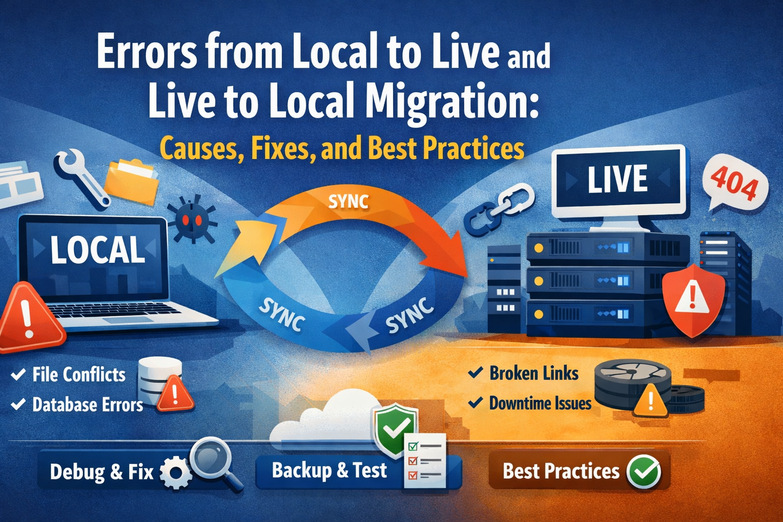

 ×
×

Website migration is a routine task for developers, agencies, and businesses, yet it remains one of the most error-prone processes in web development. Whether you are moving a website from local to live (deployment) or from live to local (development), even small configuration differences can trigger critical errors.
Local environments such as XAMPP, WAMP, or MAMP are generally more forgiving, while live servers enforce stricter security, permissions, and performance rules. On the other hand, live servers often use advanced configurations that do not translate smoothly into a local setup.
In this in-depth, SEO-friendly guide, we will explore the most common local-to-live and live-to-local migration errors, explain why they happen, how they appear, and how to fix them permanently. Instead of fragmented steps, each issue is explained clearly so you understand the underlying cause and avoid repeating the same mistakes in future migrations.
Before diving into specific errors, it’s important to understand why migration issues occur in the first place. A local environment typically runs on a simplified stack with relaxed permissions, minimal security rules, and default PHP settings. A live server, however, operates under strict file permissions, optimized PHP versions, SSL enforcement, caching layers, and firewall rules.
When a website moves between these two environments, configuration mismatches surface quickly, resulting in database errors, broken links, permission issues, and redirect loops.
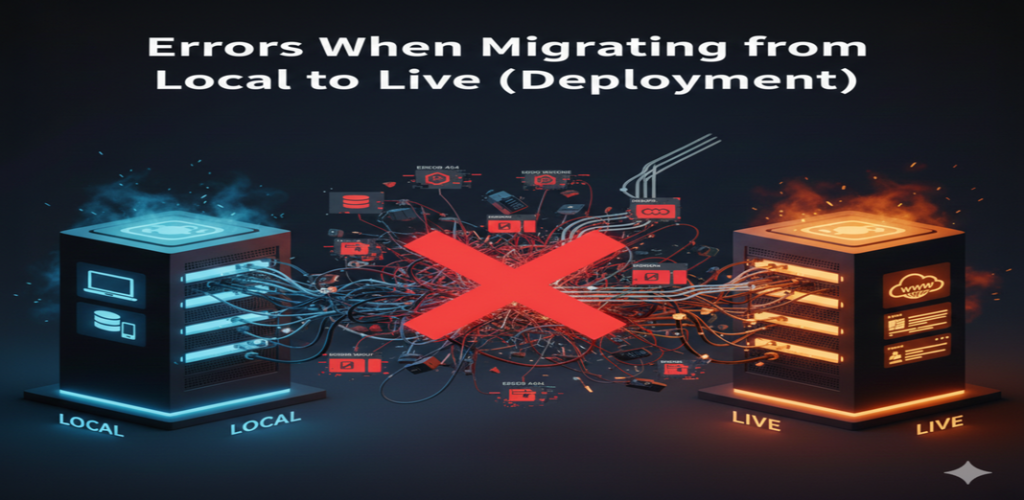
Deploying a website from a local environment to a live server is a critical step. Many issues arise because local configurations are not updated to match the live hosting environment.
One of the most common and alarming issues after deployment is the “Error Establishing a Database Connection” message. This usually happens when the wp-config.php file still contains local database credentials such as localhost, root, or an empty password.
On a live server, database credentials are different and often include a remote database host, a unique username, and a strong password. If these values are not updated correctly, WordPress cannot connect to the database, resulting in a database connection error or sometimes a 500 internal server error.
This issue often appears immediately after migration and prevents the site from loading entirely.
Another frequent issue after moving a site live is broken permalinks. In this case, the homepage loads correctly, but internal pages, blog posts, images, or category pages return 404 Not Found errors.
This usually occurs when the .htaccess file was not migrated, is missing, or contains incorrect rewrite rules. Local servers often regenerate rewrite rules automatically, while live servers require a properly configured .htaccess file.
Without correct rewrite rules, the server cannot interpret WordPress’s URL structure, resulting in broken paths across the website.
The 500 Internal Server Error is a generic server error that often appears after deployment. This error can be caused by several factors, including corrupted .htaccess files, incorrect file permissions, or PHP version incompatibility.
Local environments may allow permissive settings such as 777 permissions or outdated PHP syntax, while live servers enforce stricter rules. When these differences collide, the server fails to execute the site properly, triggering a 500 error.
When a site is moved live and HTTPS is enabled, mixed content errors are common. These occur when the database still contains http://localhost or http://example.com references while the live site runs on https://.
Browsers block insecure resources on secure pages, leading to broken images, missing scripts, and security warnings. This not only affects functionality but also damages SEO and user trust.
A 403 Forbidden error typically indicates permission-related issues. This happens when file or directory permissions are set incorrectly during deployment.
Live servers require specific permission levels—usually 755 for directories and 644 for files. If permissions are too restrictive or incorrectly inherited, the server denies access, resulting in a 403 error.
The White Screen of Death occurs when the site loads a blank page without any error message. This is often caused by PHP memory limits being exceeded or by plugins and themes that worked locally but fail on the live server.
Live servers typically have lower memory thresholds and stricter execution limits, exposing inefficiencies that went unnoticed during local development.
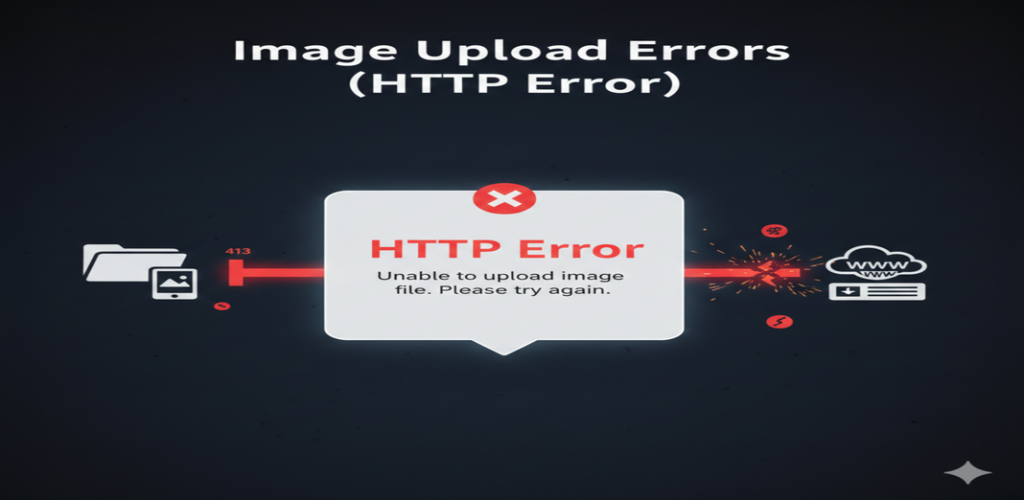
After deployment, many users encounter image upload failures in the WordPress media library. This usually happens when the wp-content or uploads directory permissions are incorrect or when the server’s maximum upload size is too low.
Local environments rarely enforce upload limits, while live servers often restrict file sizes for security and performance reasons.
Broken images or missing CSS and JavaScript files are often caused by hardcoded local paths such as C://xampp/htdocs/ in CSS files or database entries. These paths do not exist on live servers, resulting in missing assets across the site.
Migrating a live website back to a local environment for development and testing can also introduce serious issues. These problems usually stem from lingering production settings or OS-level differences.
This error occurs when the local server stack—Apache, Nginx, or MySQL—is not running or when a firewall blocks the required ports. It can also occur if .htaccess rewrite rules are incompatible with the local setup.
Unlike live servers, local environments require manual server startup and configuration.
Redirect loops are common when migrating from live to local, especially if the live site forces HTTPS. Local environments usually lack SSL certificates, causing the site to redirect endlessly.
This issue also arises when the database still contains the live https:// domain instead of http://localhost.
If a proper search-and-replace operation is not performed during migration, images and links may still point to the live domain. This leads to broken layouts, missing images, and confusion during development.
Live servers may run PHP 8.x, while local environments use older versions like PHP 7.x. This mismatch can trigger fatal errors due to deprecated functions or stricter syntax rules.
Ensuring PHP version parity is crucial for a smooth development workflow.
When a live site runs at the domain root but the local version resides in a subdirectory, rewrite rules must be adjusted. Without updating the RewriteBase, WordPress cannot resolve URLs correctly.
If the wp-content/uploads folder is not fully downloaded, images will not appear locally even though database entries exist. This results in broken media across the site.
Browsers and caching plugins may retain live site URLs, causing the local site to display outdated content. Clearing caches is essential to ensure the local version loads correctly.
Consistent environments, proper backups, careful database updates, and thorough testing can prevent most migration issues. Using reliable migration tools and staging environments further reduces risk.
Errors during local-to-live and live-to-local migrations are common but usually caused by configuration issues, permission conflicts, or environment differences. When not handled properly, these errors can affect performance, SEO, and user experience.
At Kleverish, our Website Maintenance Services in Ahmedabad ensure migrations are planned, tested, and executed systematically, reducing risks and downtime. With the right process and expert handling, website migration becomes a smooth and predictable task rather than a stressful challenge

My frontend development internship at Kleverish was a great learning experience. I worked on real-world UI components, responsive layouts, and improved my skills in HTML, CSS & JavaScript. The team was very supportive and helped me understand modern frontend techniques like performance optimization and clean code structure.



 Rated 4.99/5 overall
across 100+ reviews
Rated 4.99/5 overall
across 100+ reviews